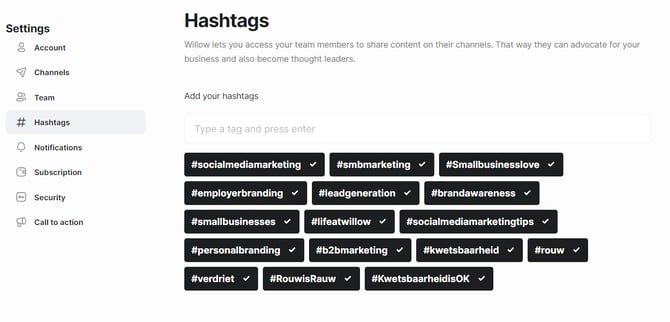
Where hashtags belong per channel, and how Willow suggests them.
1 min read·Last updated April 28, 2025
Willow makes it easy to add the most relevant hashtags to every post.
To add hashtags to Willow click on your profile picture in the top right > Hashtags.
Here's a complete guide on how to find the right hashtags to include in your posts, and how many hashtags to include in your post on every social media post.
How to include hashtags in your post
Once you've added your hashtags in Willow, every time you create a post in Willow, you can click on # to see a list of your hashtags and add the relevant ones to your post.
Was this article helpful?Thanks for letting us know.