Event post
You're speaking, hosting or exhibiting. The what, where and when, legible at feed size.
Open in CanvaFree templates
Six templates you can open in Canva and use today — an event post, a hiring post, an announcement, a blog carousel and two more. Take them, they're free.
Then the honest part: a template is an empty frame. You still have to decide what goes in it, write the words, resize it per channel, and do it again next week. That's the work templates don't remove. Further down, what we built instead.
Download
Six of the posts a firm actually needs to make, most weeks. Editable in Canva's free tier — no account upgrade, no watermark.
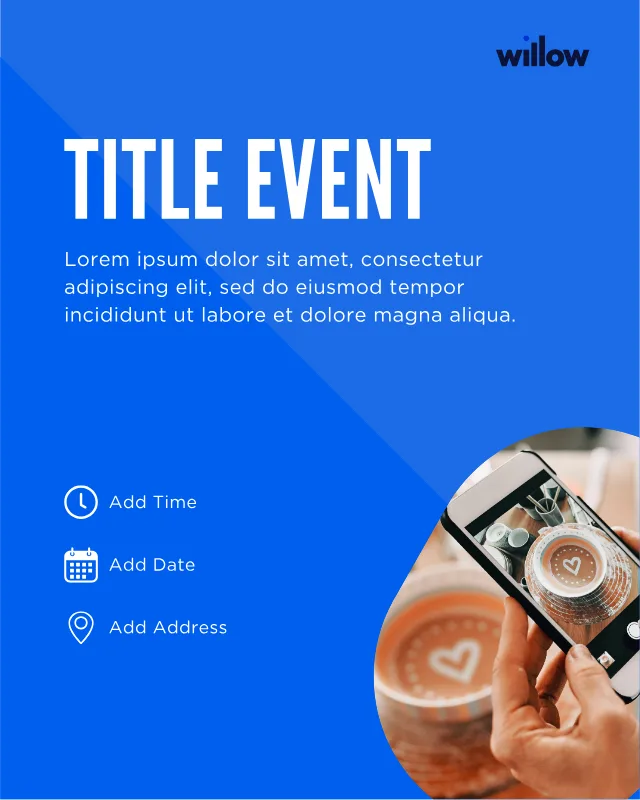
You're speaking, hosting or exhibiting. The what, where and when, legible at feed size.
Open in Canva
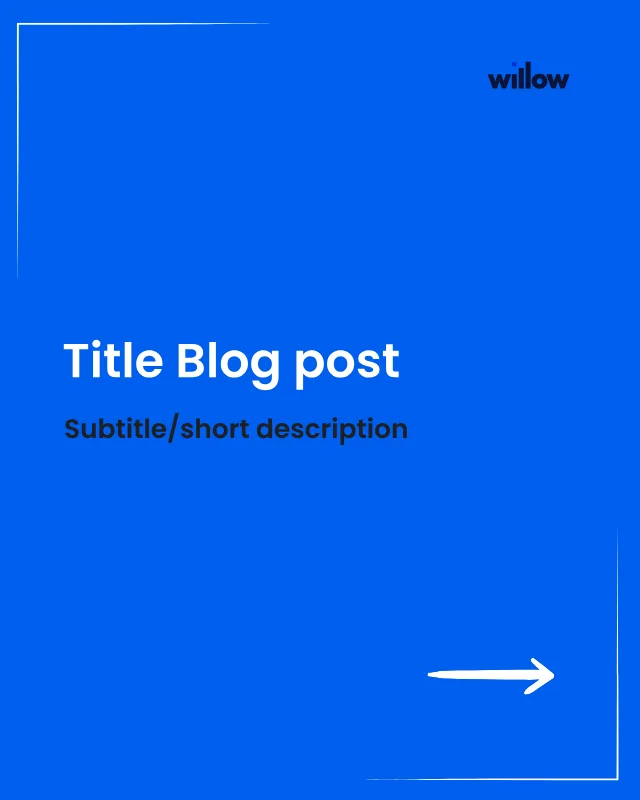
An article turned into slides, for the people who won't click through to read it.
Open in Canva

A vacancy that reads like an invitation rather than a job-board entry.
Open in Canva
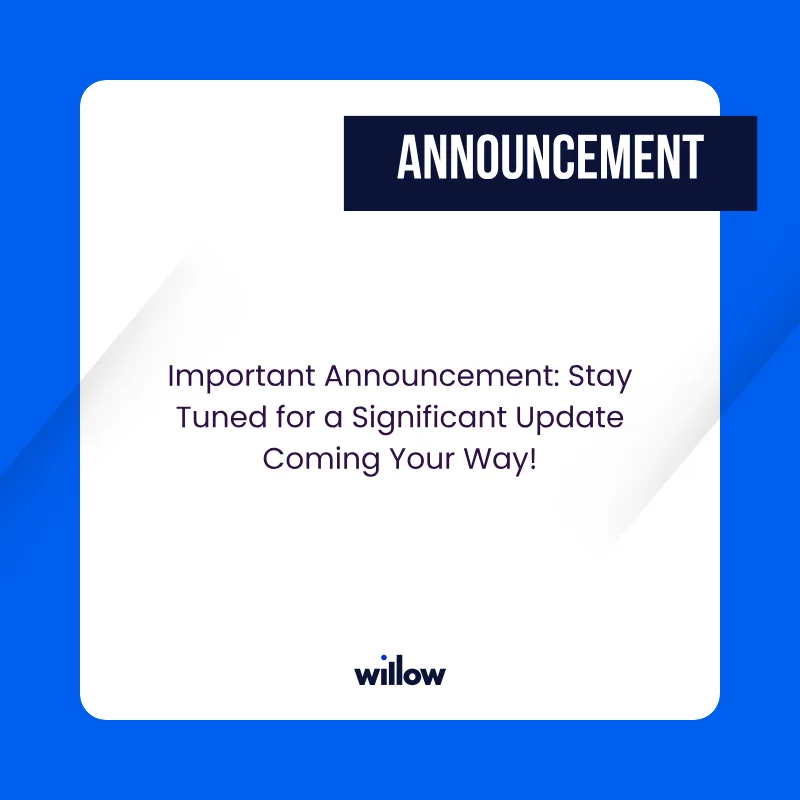
News from the firm — a launch, a move, a milestone worth marking.
Open in Canva
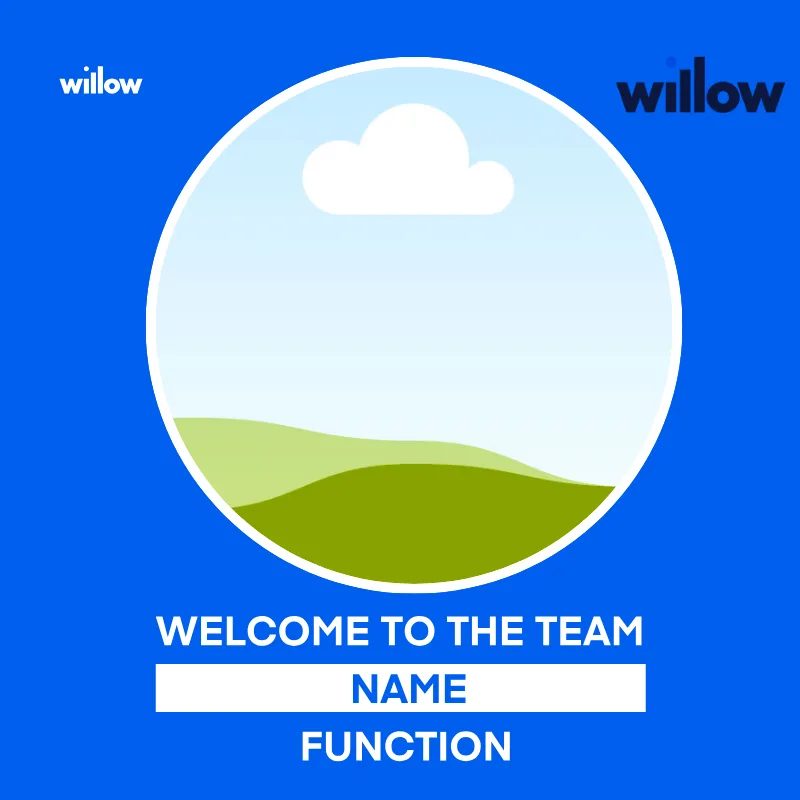
The new starter, introduced properly instead of in passing.
Open in Canva

You made the paper. Frame the coverage instead of screenshotting it.
Open in CanvaThe catch
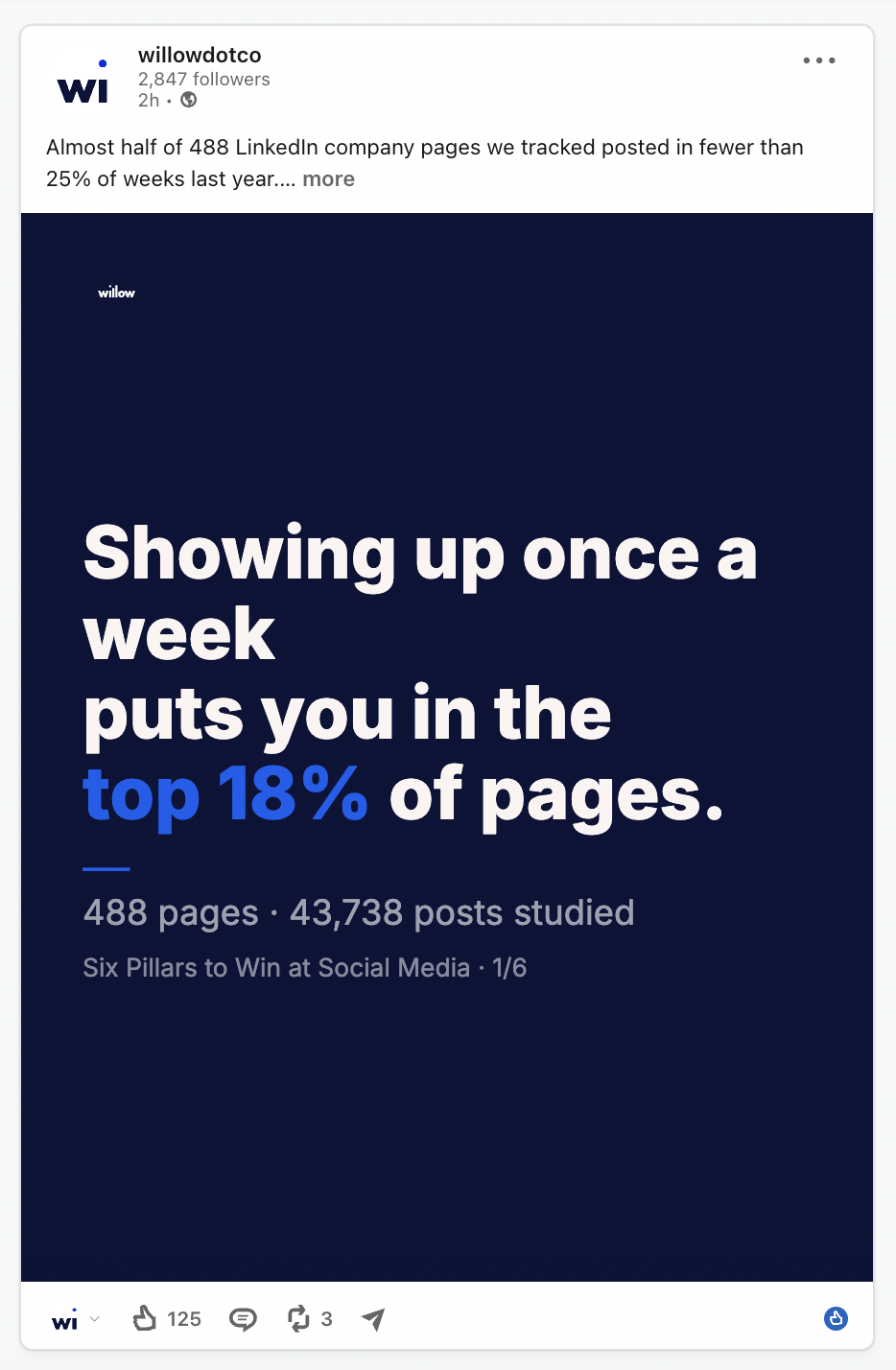
Downloading a template is fifteen seconds. What comes after is the part that stalls: deciding what this week's post is about, writing it so it sounds like your firm and not like a template, fitting it to LinkedIn and Instagram's different crops, and then finding the will to do it again seven days later.
So Willow doesn't give you templates to fill. Willow Create drafts the post from a profile of your business, and the visual arrives already made, already in your brand, already sized for the channel. You approve it or you change it.
New here? How Willow Create works — the profile, not the prompt.
On every plan
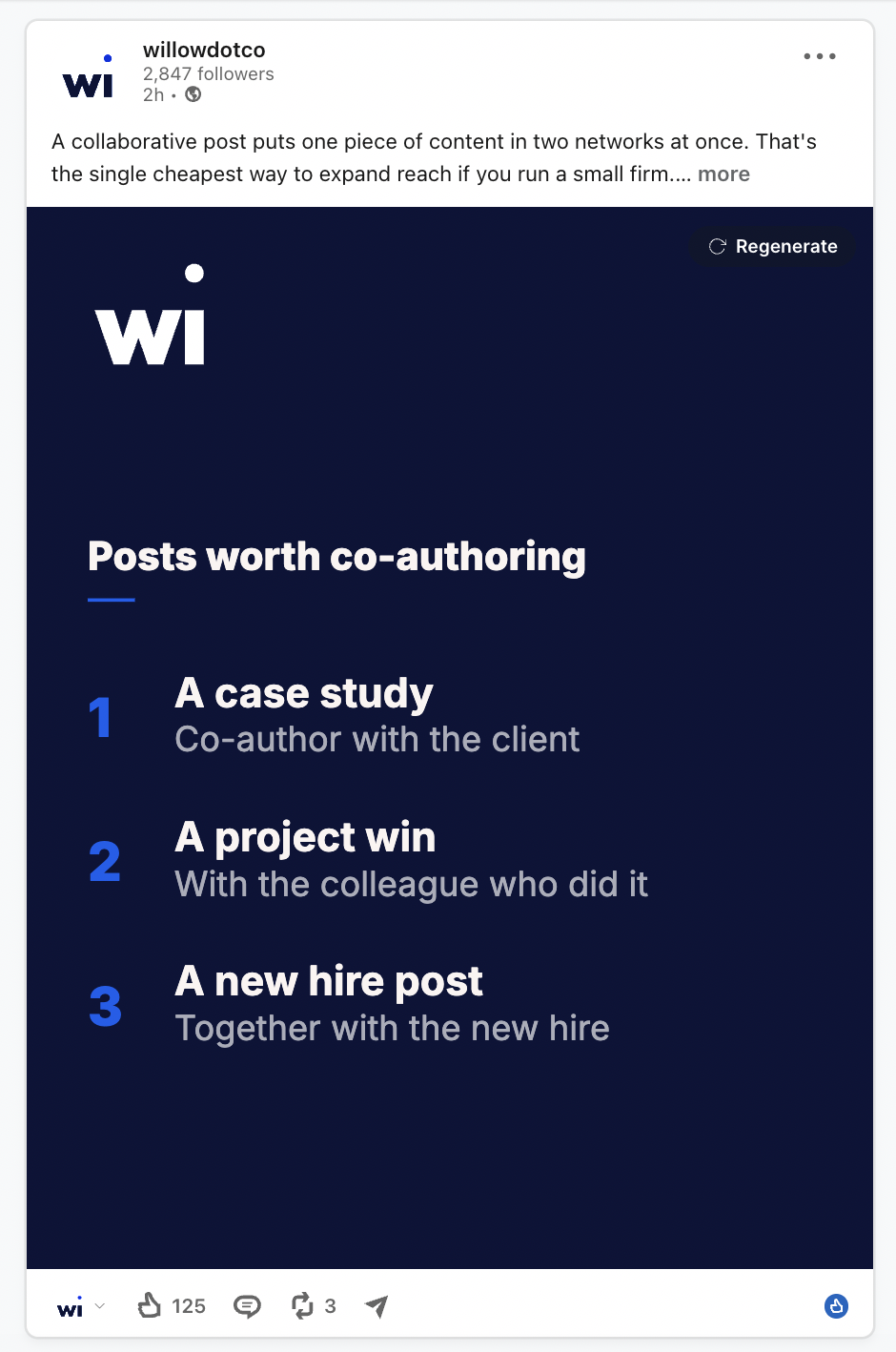
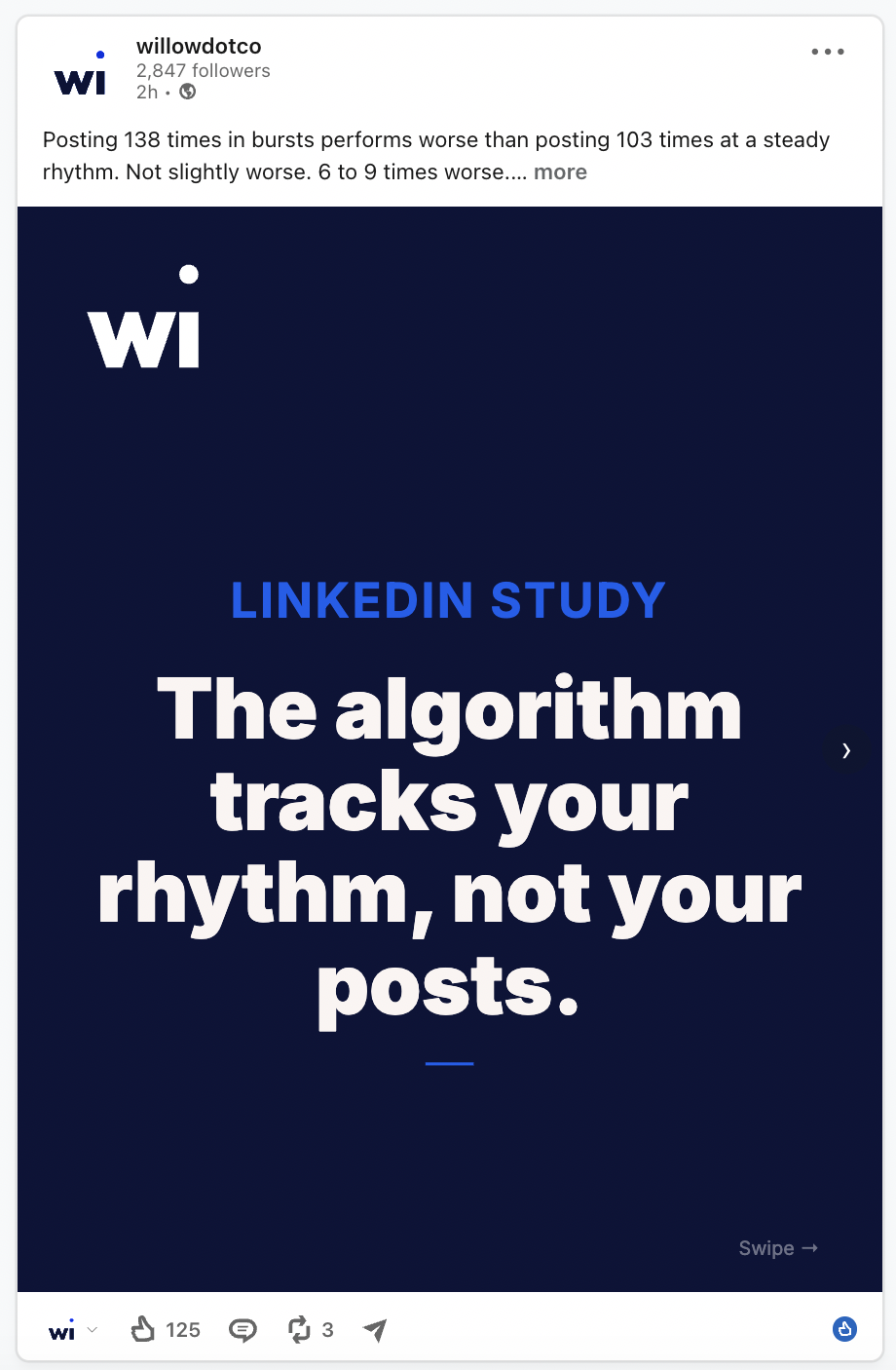
Every Willow Create draft arrives with its visual already built. These three cover the overwhelming majority of what a firm posts.
The three above are Willow's own posts, published from Willow. We use the product we sell.
How it works
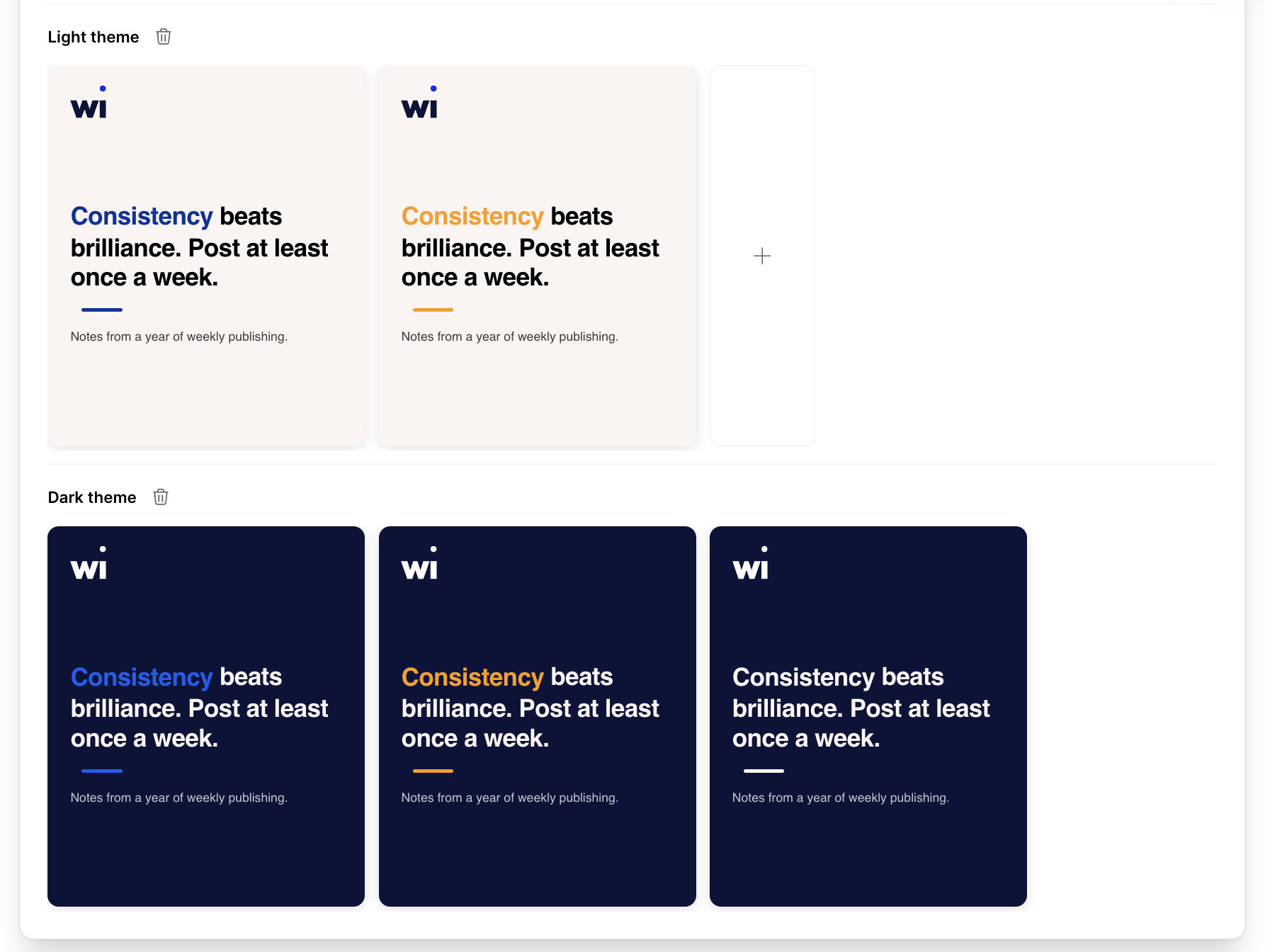
Nobody fills in a brand questionnaire. The visual system is derived from what you already published.
Willow reads your website and pulls your palette, plus your fonts where the typeface allows it. If the site's choices aren't right for social, or the font can't be used, your coach sets the closest match.
Pulled from the same place. If what's on the site is too small or too low-resolution to sit on a post, your coach replaces it with a clean file.
A built-in stock photo library backs the formats that use a photo, so a post never waits on someone finding an image.
LinkedIn, Instagram, Facebook and X all want different crops. You don't manage that — the aspect ratio per channel is taken care of.
Yours to change
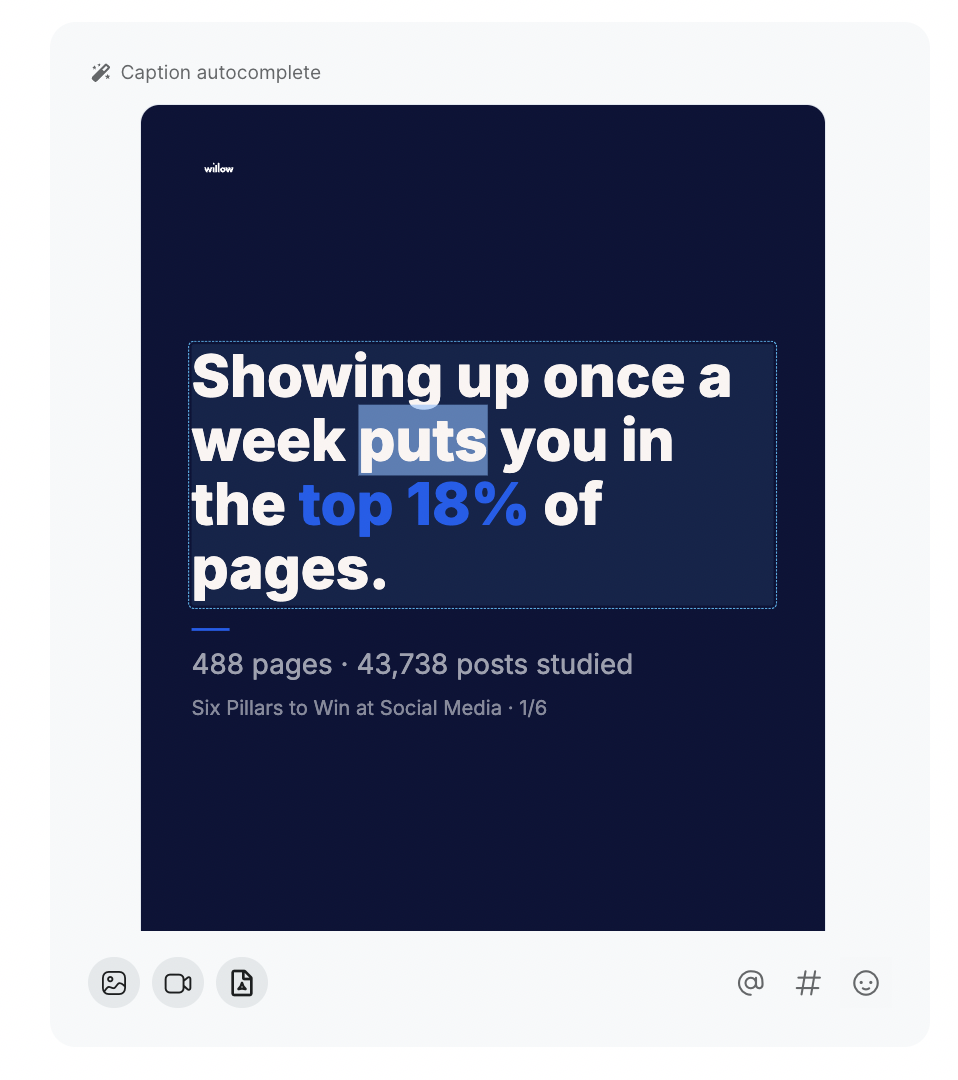
A draft is a starting point, not a verdict. Everything on the visual can move.
Prefer not to touch any of it? Approve the draft and it publishes on the schedule you agreed with your coach.
Pro and Custom plans
On Pro, a designer builds templates specific to your firm — the formats you actually need, in your identity rather than a derived version of it. Included in the plan, not an add-on.
You tell us the formats you need — the number depends on what you post. Turnaround depends on the queue, but it's usually the same week.
Nothing gets applied automatically. The set only goes live once you're happy with it.
From then on every draft uses your set — same design discipline every week, without a designer in the loop each time. Adjust the set whenever your brand moves on.
Which plan
| Visuals | Kickstart | Pro | Custom |
|---|---|---|---|
| Stock photos & PDF carousels | Yes | Yes | Yes |
| Custom templates & design | — | Yes | Yes |
Book thirty minutes. We'll read your site on the call and show you the visuals Willow Create would draft for your firm.
“My Willow is all done for the coming weeks, so I’m switching it off for now — everything’s scheduled and things can calm down a bit.”