In January, beta users got personalised content calendars. In February, Willow Create started rolling out to beta users: it writes and illustrates posts for you, and you review, edit and schedule them in the new Create tab. In March, the topics it picks and the way it writes got better.
Willow platform
Also in the platform
- A message when a link has no preview image (20 January). When you add a link to a post and no preview image is available, you now see a helpful message instead of an unexpected error. It makes clear why some links don't show a preview card.
Willow Create
Smarter topic selection and writing
Improved · 12 March 2026
Generated posts now match their content category better. Educational posts focus on teaching insights and methods, promotional posts highlight company achievements, and so on. Topics without enough substance for a category are filtered out, so the posts you see are more relevant.
Willow Create arrives for beta users
New · 11 February 2026
Willow Create starts with our beta users, a mix of new and existing customers. Add your content profiles, choose a LinkedIn channel and Willow writes and illustrates multiple posts for you. You preview, edit and schedule each one directly from the new Create tab.
See the status of every generated post
New · 11 February 2026
As you schedule, publish or edit a generated post, its status updates automatically, so you always know where each post stands.
Choose the channel yourself
Improved · 24 February 2026
When you start a new batch, you now choose the channel yourself instead of having LinkedIn selected for you. That gives you full control over where your generated posts will be published.
See how long a batch takes
Improved · 13 February 2026
While Create generates your posts, you see a countdown with the estimated time remaining, not just a loading spinner.
Cleaner posts, fewer repeats
Improved · 19 February 2026
Generated posts are now checked for formatting quality. If the text contains unwanted formatting such as markdown symbols, it's regenerated, so you get clean, readable LinkedIn posts.
Create also checks each generated post for duplicate topics. When two posts cover the same ground, it generates a fresh alternative.
Personalised content calendars for beta users
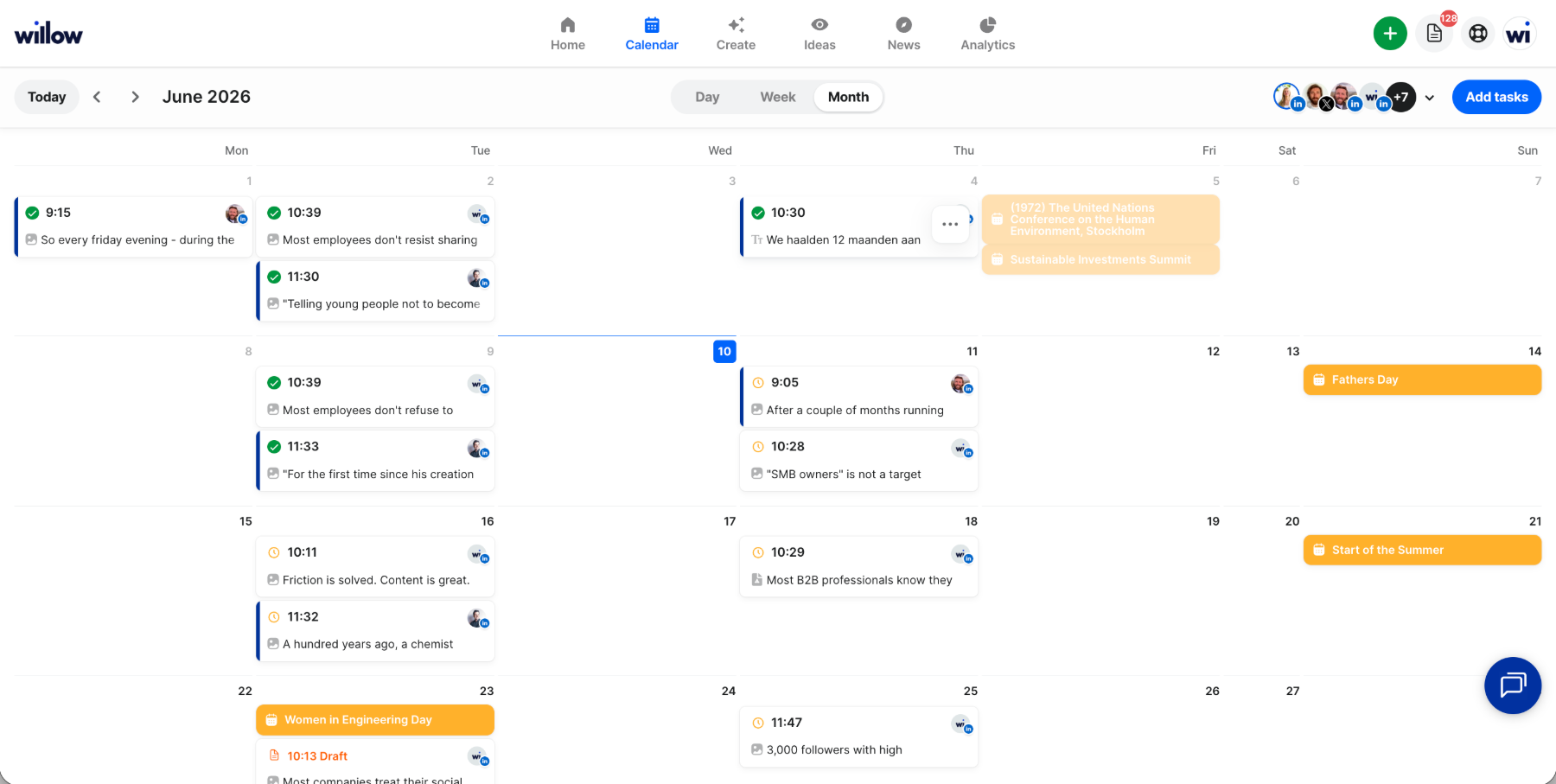
In January we started with an idea for beta users: every quarter, a personalised content calendar with 26 unique posts based on your expertise. The drafts landed directly in your calendar, so you could fine-tune and approve them in one click, and best-time-to-post recommendations helped you reach more people.
That's not how it works anymore. Create makes batches now, and a batch can span one or more weeks.
Also in Create
- Clearer photo limit errors in the composer (27 February). If you add too many photos to a post, you now see a clear error that blocks publishing until you remove the extra ones: X allows 4, LinkedIn 9 and Instagram 10. Before, some platforms only showed a warning.