Choosing which accounts a post goes to
Publish the same draft to some channels and not others.
If you want to post the same message on multiple channels, you can select multiple accounts from the left panel in the post creator.
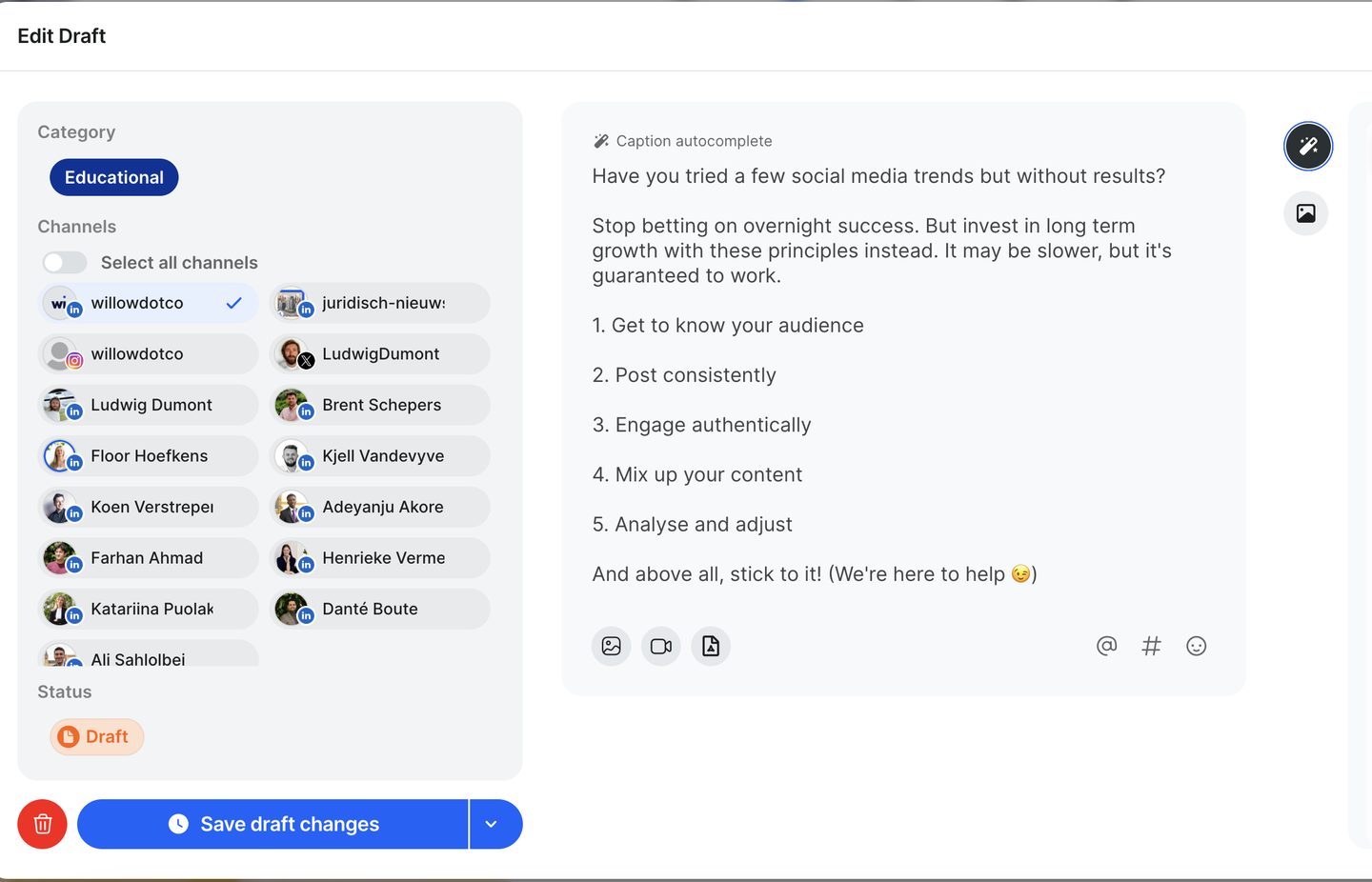
Can I select multiple channels from different social media platforms?
Yes, you can select Instagram, Facebook, X and LinkedIn accounts all at once. For this, you will have to turn on "split caption", meaning that you can tweak the post for each channel. It's best to do this once you're finished with the draft.
What if I can't add or change accounts?
Make sure the post is still a draft. Once you approve a post, you cannot edit the channels anymore. If you wish to make changes to the channels, click the "approved' badge and turn the post back into a draft. After saving, you will be able to make changes to the channels.
Another issue could be disconnected accounts. Here's how to fix issues with disconnected accounts.
Still stuck?
Your coach answers within 1 business day — no ticket queue.