Account & billing
Managing email notifications
Choose which updates from Willow land in your inbox.
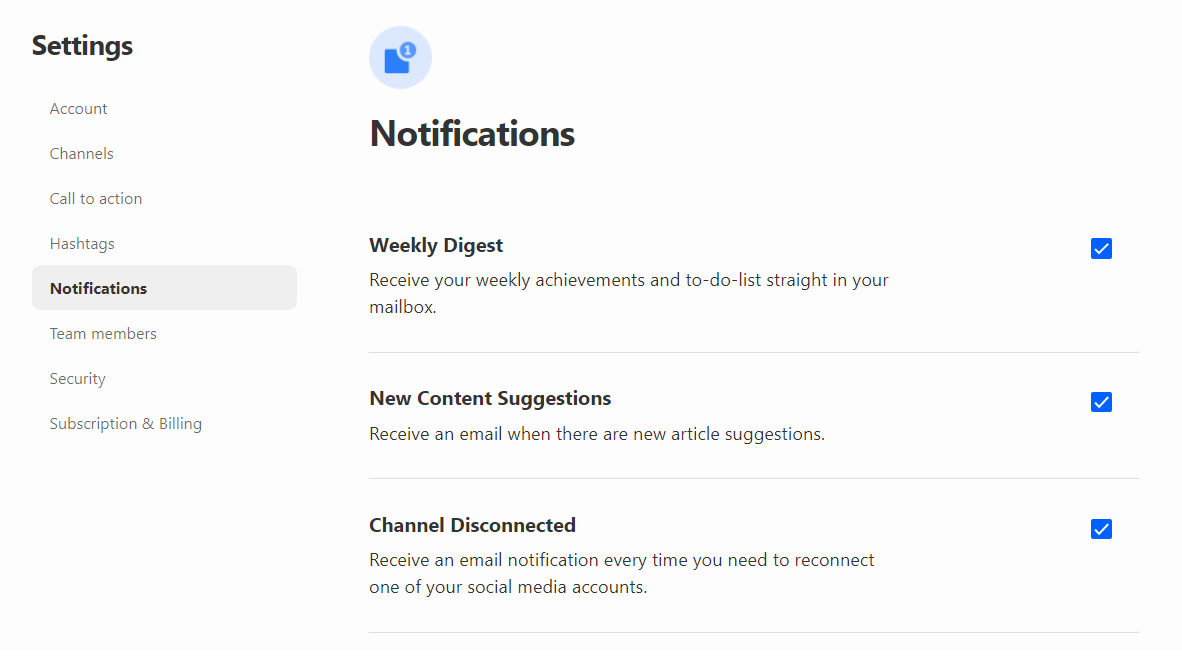
Willow sends the following notifications by email:
- Weekly digest: Your weekly achievements and to-do list.
- Tasks reminder: Receive an email every day with the pending tasks for the next 24 hours.
- New content suggestions: Whenever there are new articles in your Willow News Feed, you'll get an email notification with a summary of the articles.
- Channel disconnected: If your channels need to be reconnected to Willow, you'll be notified by email.
You can choose to turn them off by clicking your profile picture on the top right > Notifications.
Was this article helpful?
Thanks for letting us know.
Still stuck?
Your coach answers within 1 business day — no ticket queue.