Keyword monitor
Editing your keyword monitor
Adjust or remove topics as your focus changes.
If you want to make changes to an existing keyword monitor you've created, follow these steps.
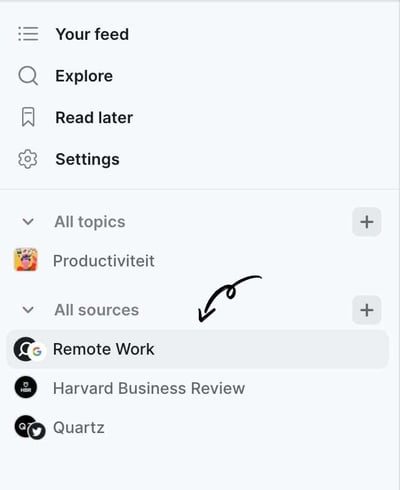
1. Navigate to your keyword monitor in the left sidebar
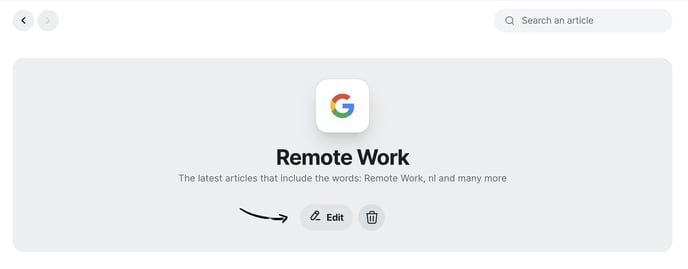
2. Click the edit button in the middle of the screen
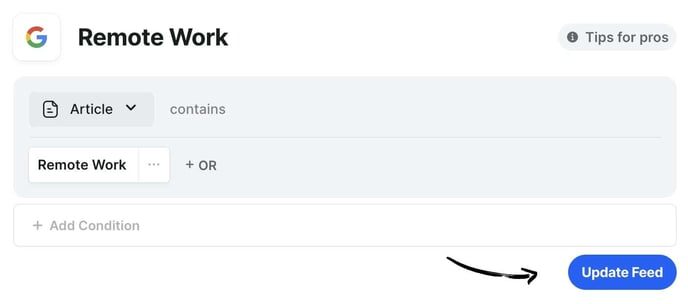
3. Edit the conditions
4.Click the update feed button on the bottom right
Was this article helpful?
Thanks for letting us know.
Still stuck?
Your coach answers within 1 business day — no ticket queue.