Keyword monitor
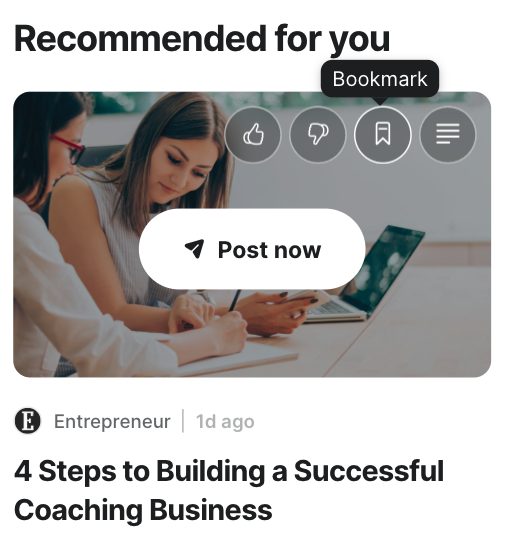
Bookmarking articles
Save an article to turn into a post later.
While browsing through articles in your News tab, you might come across an interesting article that you want to save for later.
All you have to do is scroll over an article and click the bookmark icon.
To access your bookmarks, click on the tab titled Read Later on your left-hand side toolbar.
Was this article helpful?
Thanks for letting us know.
Still stuck?
Your coach answers within 1 business day — no ticket queue.